English
Product Photo Workflows for ComfyUI: 9 Studio Setups from One Photo

Digital product
What you get
Digital downloads
Versions & updates
Description
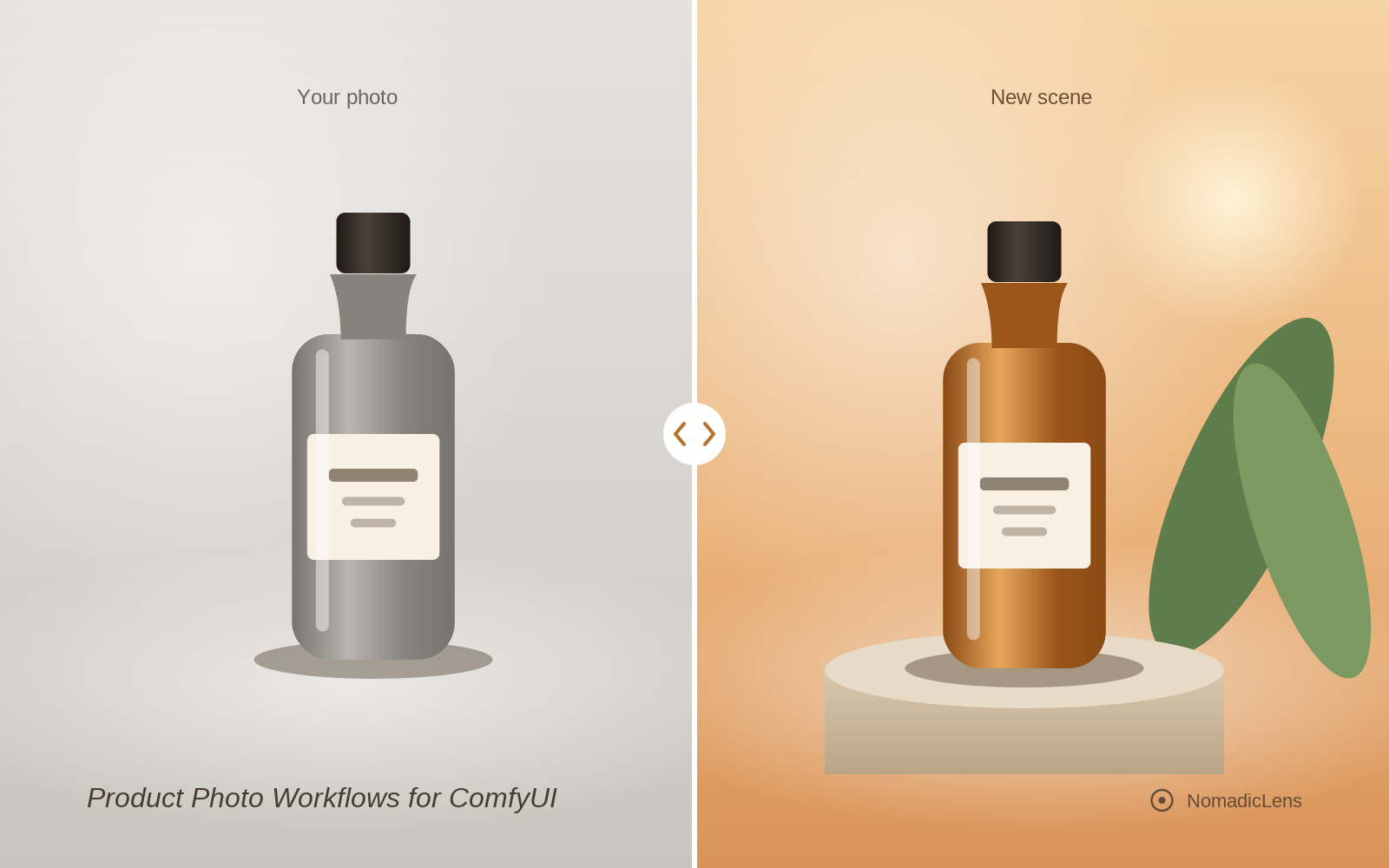
One good photo of your product is enough. These nine ComfyUI workflows cut it out, build a new scene around it, match the light and upscale the result. The product pixels come from your photo, so its shape and its label do not change.
The nine setups
- Packshot on white with a soft contact shadow
- New background from a text prompt, with the light direction matched
- Relight with IC-Light: window light, studio key or golden hour
- Lifestyle scene with props around the product
- Reflection on a glossy surface
- Color variants that recolor the product and keep the label
- Label-safe upscale to 4096 pixels on the long edge
- Batch mode for a folder of photos with one set of settings
- Detail repair for small text and logos
Before you start
- A current version of ComfyUI, with ComfyUI-Manager for missing nodes
- An NVIDIA GPU with 12 GB of VRAM or more, or a cloud service that runs ComfyUI
- SDXL base models. The background and relight setups also come in FLUX.1 versions.
Shooting notes
- Start from a sharp, evenly lit photo. The result is only as clean as the input.
- Any background works, because the first step cuts the product out.
- Small text can soften in the relight step. Run the detail repair setup after it.
In the zip
- Every workflow as a .json file and as a .png with the workflow embedded
- A notes group inside each workflow
- models-and-nodes.txt with download links
- Example input photos to test each setup
Each model that you download for these workflows has its own license. You must follow it too, for example for commercial use.
Compare licenses
| What is included | Personal $49.00 | Studio $129.00 |
|---|---|---|
| Nine workflows, JSON and PNG | ||
| Notes in every workflow | ||
| Example input photos | ||
| Personal and non-commercial use | ||
| 12 months of updates | ||
| Commercial and client work | ||
| 24 months of updates | ||
Specifications
- File formats
- Permitted use
- Commercial use
Release history
- New: detail repair workflow for small text and logos
- FLUX.1 versions of the background and relight workflows
- Updated for the current ComfyUI node names
- New: batch mode for a folder of photos
- Softer contact shadow in the packshot workflow
First release with seven workflows.
FAQ
You need it installed and running. You do not build anything. Load a file, pick your photo and press Queue. The notes say which settings to change.
ComfyUI runs on Apple Silicon, but slower than on an NVIDIA GPU. The upscale setup needs the most memory.
The product pixels come from your photo, and the scene is made around them. If relighting softens small text, the detail repair setup fixes it. A sharp input photo matters most.
Studio. Personal covers your own products and non-commercial work.
Have another question? Ask the seller before you buy.
Ask a questionEach option has its own terms
Pick one to see its price and what it includes. The table on this page compares them side by side.
$49.00
one-time payment
For your own projects and non-commercial work.
- Nine workflows, JSON and PNG
- Notes in every workflow
- Example input photos
- Personal and non-commercial use
- 12 months of updates
- Instant download after purchase